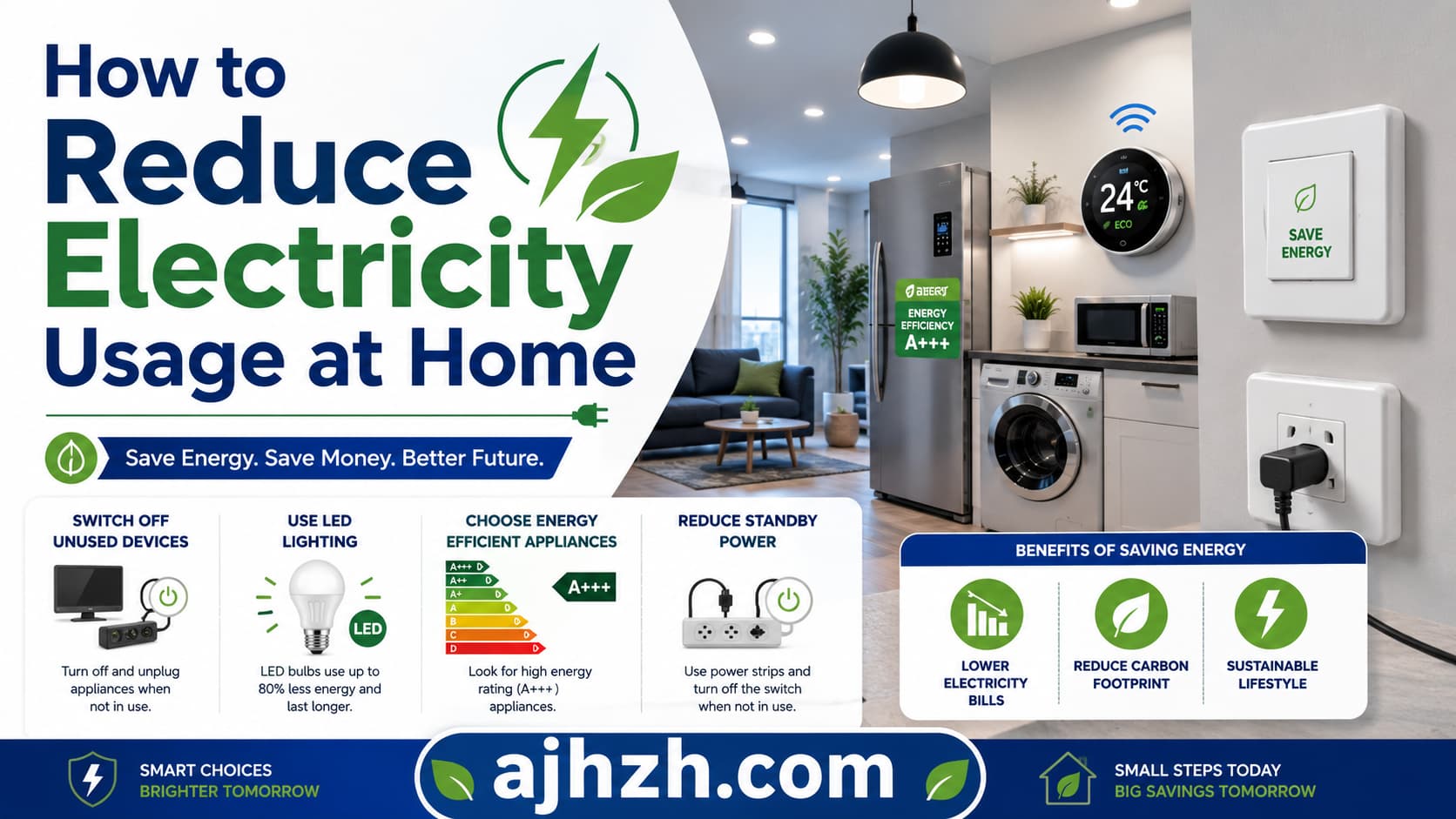
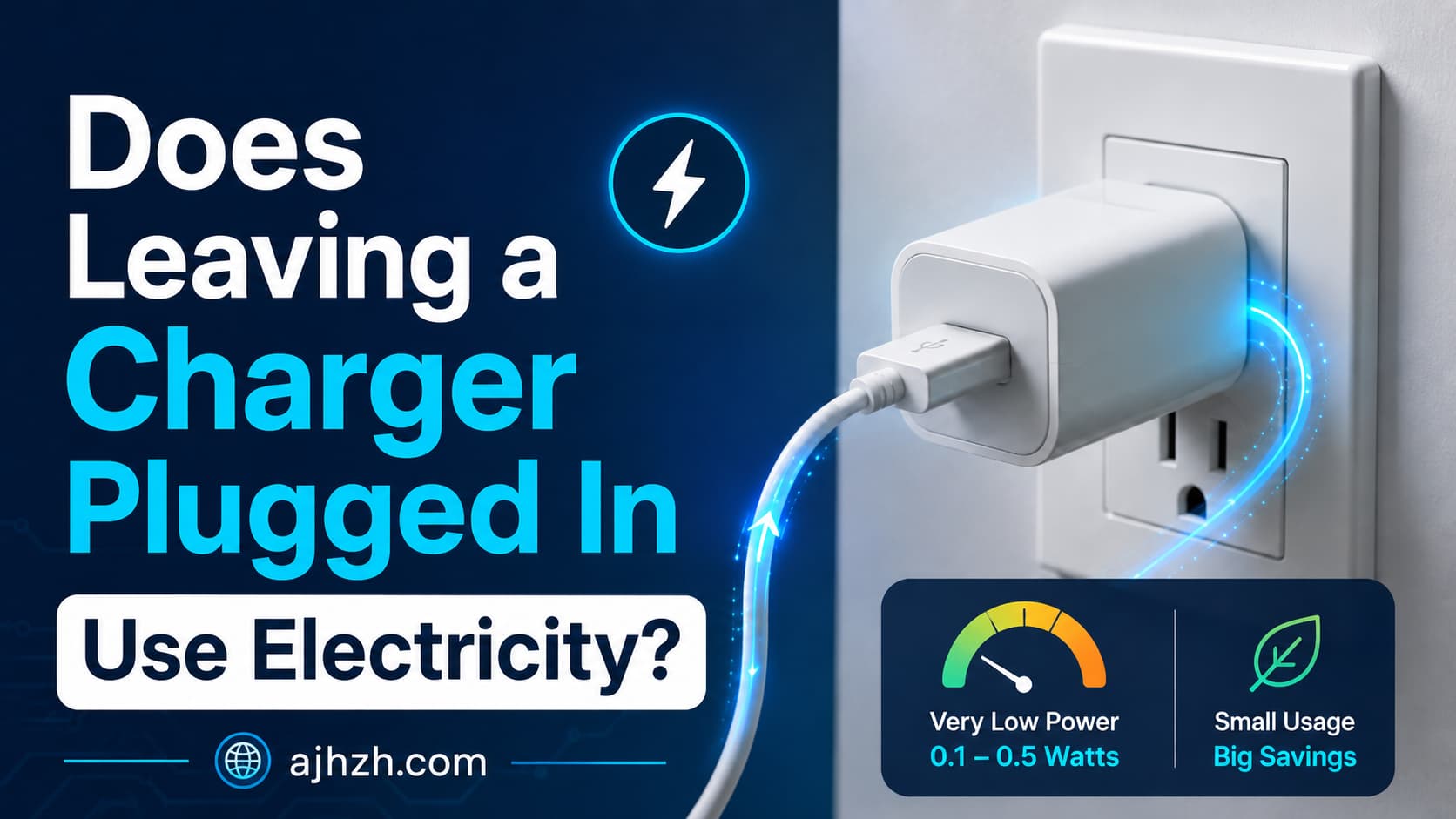
In an era where energy costs are constantly rising and environmental consciousness is paramount, finding effective ways to reduce electricity consumption in our homes has become more important than ever. While many of us are diligent about turning off lights and unplugging chargers, a significant amount of energy is still wasted by devices in standby mode—a phenomenon often referred to as ‘phantom load’ or ‘vampire draw’. This hidden energy drain can silently inflate your electricity bills without you even realizing it. Fortunately, a simple yet powerful solution exists: smart plugs.
Smart plugs are innovative devices that transform ordinary appliances into smart, controllable ones, giving you unprecedented control over your home’s energy usage. By integrating with your smart home ecosystem, these small gadgets allow you to remotely manage power to your devices, set schedules, and even monitor energy consumption, all from your smartphone. This article will delve into how smart plugs work, their numerous benefits, how to choose the right ones, and practical strategies for deploying them to significantly reduce your electricity consumption and save money.
Table of Contents
- What Are Smart Plugs and How Do They Work?
- Why Smart Plugs Are Essential for Reducing Electricity Consumption
- Choosing the Right Smart Plugs for Your Home
- Practical Applications: Where to Use Smart Plugs for Maximum Impact
- Step-by-Step Guide to Setting Up Your Smart Plugs
- Maximizing Your Savings: Advanced Tips for Smart Plug Users
- Potential Drawbacks and Considerations
- Conclusion
- Frequently Asked Questions (FAQ)
What Are Smart Plugs and How Do They Work?
At their core, smart plugs are adapters that plug into standard wall outlets, and then you plug your appliance into the smart plug. They act as a bridge between your appliance and your home’s Wi-Fi network, allowing you to control the flow of electricity to the connected device. This means you can turn appliances on or off from anywhere using a smartphone app, voice commands, or automated schedules.
Basic Functionality
The fundamental function of a smart plug is to enable remote power control. When an appliance is plugged into a smart plug, the smart plug itself connects to your home’s Wi-Fi network. Through a dedicated app on your smartphone or tablet, you can then send commands to the smart plug. These commands can be as simple as ‘turn on’ or ‘turn off’, effectively cutting or restoring power to the connected device. This remote capability is incredibly useful for managing devices that might otherwise be left on, or for ensuring they are completely powered down when not in use.
Key Features
Beyond basic on/off control, most smart plugs come packed with a variety of features designed to enhance convenience and energy efficiency:
- Scheduling: This allows you to set specific times for your devices to turn on and off automatically. For example, you can schedule your coffee maker to start brewing before you wake up or ensure your lights turn off when you leave for work.
- Timers: Similar to scheduling, timers allow you to set a countdown for a device to operate, then power off automatically. This is useful for charging devices, space heaters, or fans.
- Remote Access: Control your devices from anywhere in the world, as long as you have an internet connection. Forgot to turn off your curling iron? No problem, a quick tap on your phone app can solve it.
- Energy Monitoring: Many smart plugs include built-in energy monitoring capabilities. This feature tracks how much electricity a connected device is consuming in real-time or over a period, often displaying the data in kilowatt-hours (kWh). This information is invaluable for identifying energy hogs and understanding your usage patterns.
- Voice Control: Integrate your smart plugs with voice assistants like Amazon Alexa, Google Assistant, or Apple HomeKit for hands-free control. Simple voice commands can manage your devices effortlessly.
- Integration with Smart Home Ecosystems: Smart plugs often work seamlessly with broader smart home platforms, allowing them to participate in routines and automations alongside other smart devices like sensors, thermostats, and cameras.
Why Smart Plugs Are Essential for Reducing Electricity Consumption
Smart plugs offer several distinct advantages that make them indispensable tools for anyone looking to cut down on their electricity usage and save money.
Eliminating Phantom Load (Vampire Draw)
One of the most significant benefits of smart plugs is their ability to combat phantom load. Many electronic devices, even when turned ‘off’, continue to draw a small amount of power to maintain certain functions, such as displaying a clock, staying ready for remote control input, or keeping internal memory active. This constant, low-level power draw, though seemingly insignificant for a single device, can add up substantially across all the electronics in your home. Devices like TVs, gaming consoles, cable boxes, computers, and even phone chargers contribute to this hidden energy waste.
By plugging these devices into smart plugs, you can completely cut off their power supply when they are not in use, effectively eliminating phantom load. This ensures that when you say a device is off, it truly is off, consuming zero electricity.
Here’s an illustrative table of common appliances and their estimated phantom load:
| Appliance Type | Estimated Phantom Load (Watts) | Annual Cost (at $0.15/kWh, if left plugged in 24/7) |
|---|---|---|
| Desktop Computer (Off) | 1-5 W | $1.31 – $6.57 |
| Laptop Charger (Plugged in, no laptop) | 0.2-1 W | $0.26 – $1.31 |
| Television (Standby) | 0.5-5 W | $0.66 – $6.57 |
| Cable Box/DVR (Standby) | 10-20 W | $13.14 – $26.28 |
| Gaming Console (Standby) | 1-10 W | $1.31 – $13.14 |
| Coffee Maker (Digital clock) | 0.5-2 W | $0.66 – $2.63 |
| Microwave (Digital clock) | 2-5 W | $2.63 – $6.57 |
| Printer (Standby) | 1-5 W | $1.31 – $6.57 |
| Smart Speaker (Standby) | 1-3 W | $1.31 – $3.94 |
Note: These are estimated values and can vary significantly based on the specific model and age of the appliance.
Scheduling and Automation
The ability to schedule power cycles is a game-changer for energy efficiency. Instead of manually remembering to turn off devices, you can set them to power down automatically during hours when they are not needed. For instance:
- Schedule your home office equipment (monitors, printers, speakers) to turn off at the end of your workday and turn on just before you start.
- Program lights to switch on and off at specific times, mimicking occupancy when you’re away, or ensuring they’re not left on all night.
- Automate your electric water heater, if applicable, to heat water only during off-peak hours or when demand is expected.
This level of automation ensures consistent energy savings without requiring constant manual intervention.
Remote Control and Monitoring
Remote access provides peace of mind and prevents wasted energy due to forgetfulness. Imagine leaving home in a rush and wondering if you left the fan on. With a smart plug, a quick check of your phone app allows you to verify its status and turn it off if necessary, no matter where you are. This convenience translates directly into reduced consumption by preventing devices from running unnecessarily.
Energy Usage Tracking
For smart plugs with energy monitoring capabilities, the data they provide is invaluable. By seeing exactly how much power each device consumes, you can identify which appliances are the biggest energy hogs. This insight empowers you to make informed decisions about usage habits, replace inefficient appliances, or simply be more mindful of when and how long certain devices are used. Understanding your consumption is the first step towards effectively reducing it.
Choosing the Right Smart Plugs for Your Home
With a plethora of options available, selecting the best smart plugs for your specific needs can seem daunting. Here are key factors to consider:
Compatibility with Smart Home Ecosystems
Most smart plugs are designed to work with popular smart home platforms. It’s crucial to choose plugs that are compatible with your existing setup, whether it’s Amazon Alexa, Google Assistant, Apple HomeKit, Samsung SmartThings, or another system. This ensures seamless integration and avoids the hassle of managing multiple apps and ecosystems.
Features to Look For
- Energy Monitoring: As discussed, this feature is highly recommended for maximizing energy savings as it provides crucial data on consumption.
- Overload Protection: A vital safety feature, overload protection prevents damage to your devices and potential fire hazards by automatically cutting power if an excessive load is detected.
- Voice Control: If you use voice assistants frequently, ensure the smart plugs you choose support your preferred platform for convenient hands-free operation.
- Compact Design: Some smart plugs can be bulky, blocking adjacent outlets. Look for slim designs or those with offset plugs to ensure you can use all available outlets.
- Wi-Fi vs. Zigbee/Z-Wave: Most common smart plugs use Wi-Fi, which connects directly to your home network. Zigbee or Z-Wave plugs require a separate hub but often offer better mesh networking and lower power consumption for the plugs themselves. For simplicity, Wi-Fi is usually sufficient for most users.
Indoor vs. Outdoor Use
Consider where you plan to use the smart plugs. Indoor plugs are not designed to withstand outdoor elements. If you need to control outdoor lighting, holiday decorations, or patio equipment, invest in weather-resistant outdoor smart plugs. These are typically more robust, often feature multiple outlets, and are built to handle moisture and temperature fluctuations.
Practical Applications: Where to Use Smart Plugs for Maximum Impact
Smart plugs can be strategically deployed throughout your home to target specific areas of energy waste. Here are some of the most effective applications:
Entertainment Centers
Televisions, cable boxes, gaming consoles, sound systems, and streaming devices are notorious for phantom load. Plug your entire entertainment center into a smart power strip (which is essentially multiple smart plugs in one unit) or individual smart plugs. Schedule them to turn off completely overnight or when you’re not home, eliminating the collective vampire draw.
Home Office Equipment
Computers, monitors, printers, scanners, and external hard drives often remain in standby mode for hours. Use smart plugs to power down these devices automatically after your workday ends and power them back on when you’re ready to start. This not only saves energy but also ensures your equipment gets a full power cycle, which can sometimes improve performance.
Kitchen Appliances
While large appliances like refrigerators shouldn’t be plugged into smart plugs due to continuous power requirements, smaller kitchen gadgets are perfect candidates. Coffee makers, toasters, blenders, and slow cookers can be scheduled to turn on or off. For instance, set your coffee maker to start brewing 10 minutes before your alarm goes off, or ensure your slow cooker powers down after a set number of hours.
Lighting Solutions
Table lamps, floor lamps, and decorative lighting are ideal for smart plugs. Schedule them to turn on at dusk and off at bedtime, or create routines that mimic your presence when you’re away. This not only saves energy but also enhances home security.
Seasonal Decorations
Managing holiday lights and other seasonal decorations can be a chore. With outdoor smart plugs, you can easily schedule your festive lights to turn on and off automatically, saving energy and the hassle of manually plugging and unplugging them in cold weather.
Step-by-Step Guide to Setting Up Your Smart Plugs
Setting up smart plugs is generally a straightforward process. Here’s a typical guide:
Unboxing and Installation
First, unbox your smart plug. Choose an outlet near the appliance you wish to control. Plug the smart plug into the wall outlet. Then, plug your appliance into the smart plug. Ensure the appliance is switched to the ‘on’ position if it has a physical power button, as the smart plug will be controlling the power flow to the device, not the device’s internal switch.
Connecting to Your Wi-Fi Network
Download the manufacturer’s companion app (e.g., Kasa, Smart Life, TP-Link Kasa, etc.) from your smartphone’s app store. Open the app and follow the on-screen instructions to add a new device. This usually involves putting the smart plug into ‘pairing mode’ (often indicated by a blinking light) and connecting it to your home’s 2.4 GHz Wi-Fi network. Most smart plugs do not support 5 GHz Wi-Fi, so ensure your phone is connected to the 2.4 GHz network during setup.
Using the Companion App
Once connected, you’ll see your smart plug listed in the app. You can typically rename the plug to something intuitive (e.g., ‘Living Room Lamp’, ‘TV’, ‘Coffee Maker’) for easier identification and voice control. From the app, you’ll have immediate control to turn the plug on or off.
Creating Schedules and Automations
This is where the real energy savings begin. Within the app, navigate to the scheduling or automation section. Here, you can:
- Set Schedules: Choose specific days and times for the plug to turn on and off. For example, turn off the entertainment center from 11 PM to 7 AM every day.
- Set Timers: Use countdown timers for devices that only need to run for a specific duration, like a phone charger or a fan.
- Create Scenes/Routines: If your smart plug is integrated with a broader smart home platform, you can create scenes. For instance, a ‘Goodnight’ scene could turn off all lights, the TV, and other non-essential devices plugged into smart plugs.
Maximizing Your Savings: Advanced Tips for Smart Plug Users
Once you’re comfortable with the basics, you can explore more advanced strategies to amplify your energy savings.
Grouping Devices
Most smart home apps allow you to group multiple smart plugs or devices together. For example, you can create a group called ‘Living Room Entertainment’ that includes your TV, soundbar, and gaming console. With a single command or schedule, you can then power down all these devices simultaneously, ensuring no component is left in standby.
Integrating with Voice Assistants
Connecting your smart plugs to a voice assistant (Alexa, Google Assistant) not only offers convenience but can also reinforce good energy-saving habits. Instead of fumbling for your phone, a simple voice command like, ‘Alexa, turn off the office equipment,’ ensures devices are powered down instantly, even when you’re busy or your phone isn’t handy.
Leveraging Geofencing
Some smart home platforms offer geofencing capabilities. This feature uses your smartphone’s location to trigger actions based on whether you are entering or leaving a predefined area (your home). You can set up automations such as: ‘When the last person leaves home, turn off all smart plugs,’ or ‘When the first person arrives home, turn on the entryway lamp.’ This ensures devices are only active when needed, minimizing waste when no one is around.
Potential Drawbacks and Considerations
While smart plugs are incredibly beneficial, it’s important to be aware of a few potential considerations:
Initial Investment
There’s an upfront cost associated with purchasing smart plugs. While individual plugs are relatively inexpensive, outfitting an entire home can add up. However, the energy savings over time often justify this initial investment, especially when targeting high phantom load areas.
Wi-Fi Dependency
Most smart plugs rely on your home’s Wi-Fi network. If your Wi-Fi goes down, you may lose remote control capabilities, and scheduled automations might not execute. However, once a schedule is programmed, many plugs can store it locally and continue to operate even without an internet connection, though remote access will be unavailable.
Security Concerns
Like any internet-connected device, smart plugs can pose minor security risks if not properly secured. Always purchase smart plugs from reputable brands, keep their firmware updated, and use strong, unique passwords for your Wi-Fi network and smart home accounts to mitigate potential vulnerabilities.
Conclusion
Reducing electricity consumption is a goal that benefits both your wallet and the environment. Smart plugs offer an accessible, effective, and convenient solution to achieve this. By intelligently managing your appliances, eliminating phantom load, and leveraging automation, you can significantly lower your electricity bills and contribute to a more sustainable lifestyle. From simple remote control to sophisticated scheduling and energy monitoring, smart plugs empower you to take charge of your home’s energy usage. Start with a few key areas in your home, observe the savings, and gradually expand your smart plug network. Embrace the power of smart technology to create a more energy-efficient and cost-effective home today.